
A Church Media File Naming Convention Your Whole Team Can Follow
A simple five-part church media file naming convention, a weekly folder setup, and a 30-second test so any volunteer can find last Sunday's clip.
By FaithRank AIPublished 4 min read
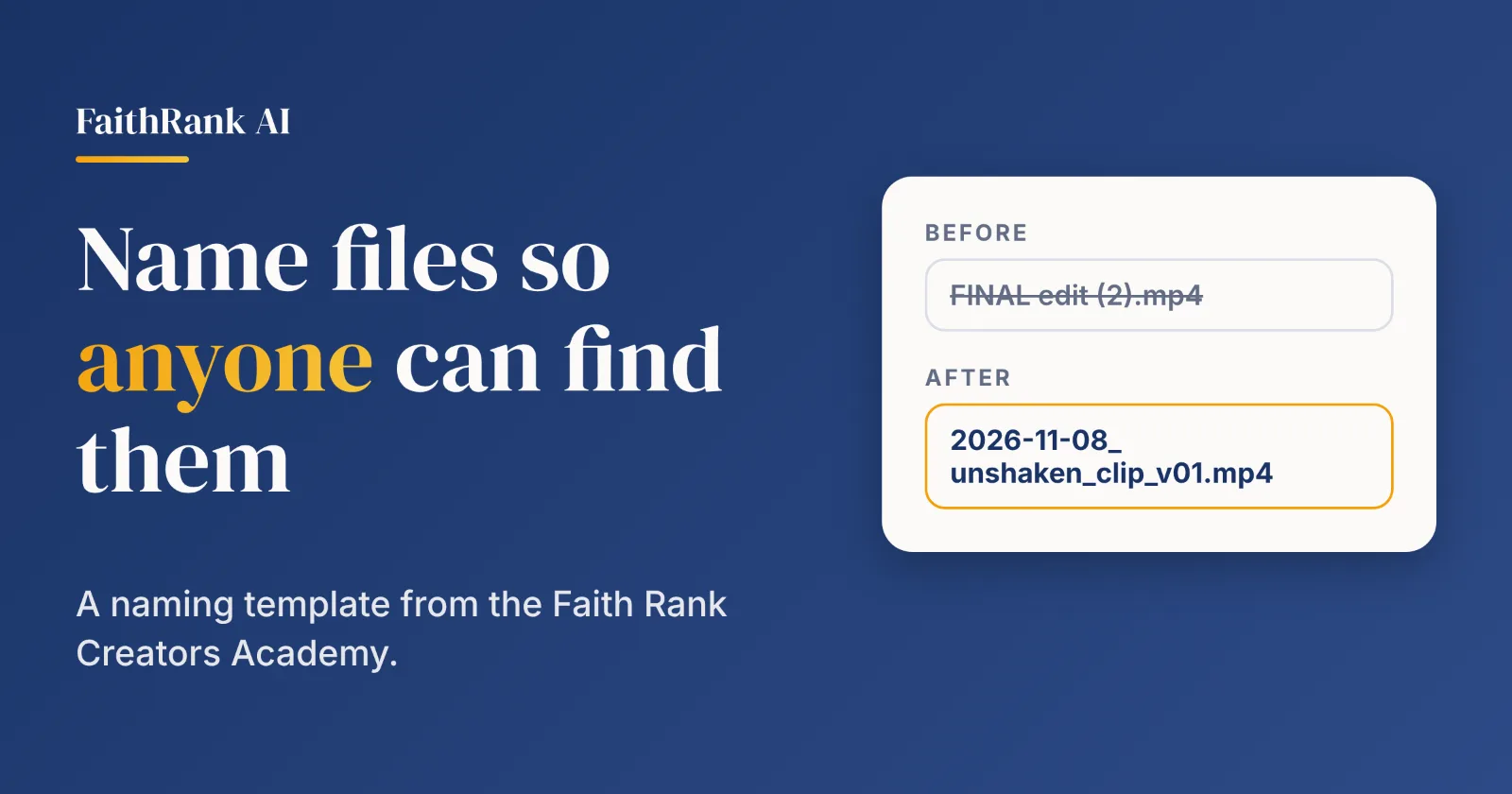
It's Tuesday, and someone needs the clip from Sunday's sermon. You open the shared drive and find "FINAL edit (2).mp4," "IMG_4471.MOV," and "use this one.mp4." None of them is obviously the clip.
A church media file naming convention fixes this with one rule everyone follows: start with the date, then say what the file is. Here's the template I'd use: YYYY-MM-DD_series_type_detail_v01. It sorts itself, and a brand-new volunteer can learn it in five minutes.
What is a good church media file naming convention?
Build every file name from the same five parts, in the same order, with underscores between them:
- Date: the Sunday the message was preached, written like 2026-11-08. Year first keeps files in order when you sort by name.
- Series: one short word for the sermon series, like "unshaken."
- Type: what the file is, picked from a short list: full, clip, short, audio, thumb, or raw.
- Detail: the part number, the speaker's last name, or the clip's topic.
- Version: v01, v02, and so on. Never "final."
Use lowercase letters, hyphens inside a part, and underscores between parts. Skip spaces and symbols like # or &. Harvard Medical School's guide to file naming conventions gives the same advice: a year-month-day date keeps files in chronological order, many systems can't handle spaces, and names work best at about 40 to 50 characters.
What does this look like on a real Sunday?
Here's an illustration using a made-up series called "Unshaken," part 2, preached on November 8.
Before:
- FINAL sermon edit NEW (2).mp4
- clip for insta USE THIS ONE.mp4
- thumbnail.png
- audio.mp3
After:
- 2026-11-08_unshaken_full_pt2_v01.mp4
- 2026-11-08_unshaken_clip_anxiety_v02.mp4
- 2026-11-08_unshaken_thumb_youtube_v01.png
- 2026-11-08_unshaken_audio_podcast_v01.mp3
Six months from now, anyone can search "unshaken" or "anxiety" and land on the right file without opening a single one.
How should you set up your church media folders?
Keep folders boring. Make one folder per year, one folder per Sunday inside it, and the same four subfolders every week:
- 01_raw: camera and audio files straight off the cards. Nobody edits in here.
- 02_projects: editing project files.
- 03_exports: finished videos, clips, and audio, named with the template.
- 04_graphics: thumbnails, slides, and social images.
The numbers keep the subfolders in the same order on every computer. Name each Sunday folder with the date alone, like 2026-11-08, and the whole year lines up from January to December.
How do you get volunteers to actually use it?
A naming system only works if following it is easier than ignoring it. These habits help:
- Print the template and the type list on one card and tape it next to the editing computer.
- Hand that same card to new volunteers on day one, before they ever export a file.
- Rename at export, not later. "Later" is where "use this one.mp4" comes from.
- Run the 30-second test once a month. Ask your newest volunteer to find last Sunday's clip. If it takes longer than 30 seconds, fix the name or the folder, not the volunteer.
Paul's word to a church that needed some order fits here: "But everything should be done in a fitting and orderly way" (1 Corinthians 14:40, NIV). Tidy folders aren't the goal. They just free your team to spend Tuesday making things instead of hunting for them.
A good file name also makes the next step easier. When the series, part, and topic are already in the name, writing the YouTube title and description goes faster, and FaithRank AI can draft SEO titles and descriptions for your sermon videos from there. For the principles behind titles, see the YouTube SEO category. If you cut clips with AI, our post on choosing sermon clips with AI pairs well with this system.
Start small this Sunday. Make one folder for the date and name every export with the template. More workflow help lives in the Media Team Workflows category and across the Faith Rank Creators Academy.
Frequently asked questions
Should church video file names include the date?
Yes. Put the date first in year-month-day format, like 2026-11-08, so files sort in order by name. Use the date the message was preached, not the date you exported the file.
Should you use spaces in file names?
It's best to avoid them. Spaces and symbols can cause problems when files move between computers, cloud drives, and editing apps, so use hyphens and underscores instead.
How do you stop volunteers from naming files "final"?
Use version numbers like v01 and v02 instead, and make renaming part of exporting. A printed template next to the editing computer makes the right name the easy choice.
Written by
FaithRank AI
FaithRank AI helps churches, pastors and Christian creators write faith-safe, search-friendly titles and descriptions for their videos and podcasts.
Get the weekly Faith Rank Creators Academy newsletter
One practical tip each week to help your church's videos and podcasts reach more people.